

报错现状
debian fnos apt 方式安装的 google-chrome 浏览器 点击 load unpacked 安装 extension 不弹文件选择框
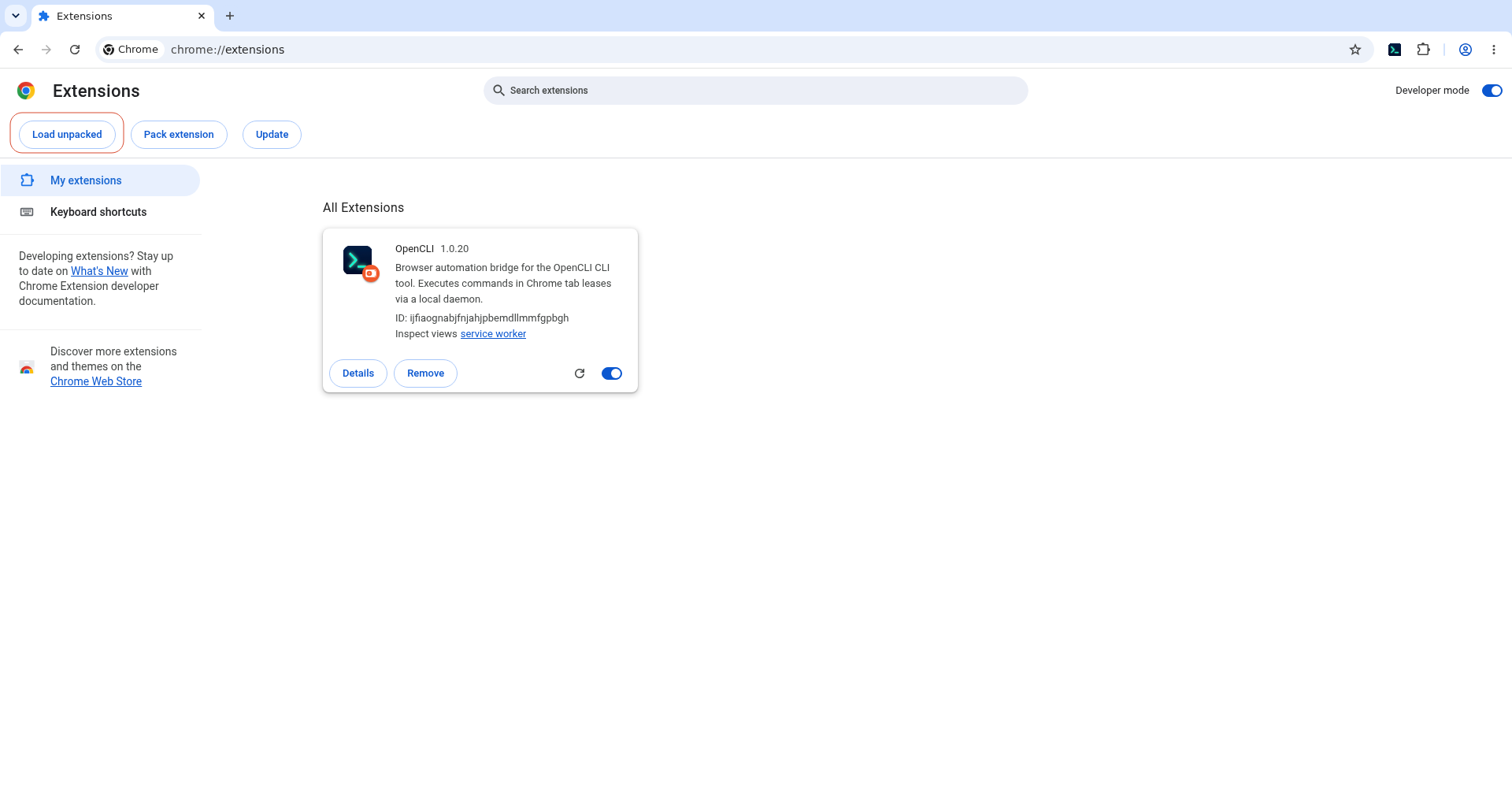
报错信息:
[0722/134345.004078:WARNING:chrome/app/chrome_main_linux.cc:84] Read channel stable from /opt/google/chrome/CHROME_VERSION_EXTRA
[0722/134345.004069:WARNING:chrome/app/chrome_main_linux.cc:84] Read channel stable from /opt/google/chrome/CHROME_VERSION_EXTRA
[1102067:1102067:0722/134347.075974:ERROR:components/dbus/xdg/request.cc:173] Request ended (non-user cancelled).
[1102067:1102067:0722/134421.137888:ERROR:components/dbus/xdg/request.cc:173] Request ended (non-user cancelled).
环境:
debian fnos apt 方式安装的 google-chrome 浏览器,注意操作系统没有启用桌面环境
验证方式
调用谷歌浏览器的用户手动执行 /usr/libexec/xdg-desktop-portal-gtk --replace(不要退出)
新建ssh端口,相同用户执行命令chrome,然后尝试加载extension的crx解压后的目录,然后成功了
经分析后的可能原因
systemd 用户会话启动 xdg-desktop-portal-gtk 时拿不到 DISPLAY 环境变量,导致服务启动失败。
具体链路:
1. 你通过 SSH X11 转发 登录(DISPLAY=localhost:10.0),这个变量只存在于你的登录 shell
2. Chrome 点击 Load unpacked 时,通过 D-Bus 激活 xdg-desktop-portal-gtk.service
3. 该服务由 systemd --user 拉起,而 systemd 用户会话是独立的,不会自动继承 SSH 终端里的 DISPLAY
4. portal-gtk 找不到显示设备,启动失败 → 文件对话框弹不出来
5. 你手动在终端里启动时,终端本身有 DISPLAY 变量,所以正常工作
一劳永逸的解决方式
创建~/.config/systemd/user/xdg-desktop-portal-gtk.service.d/override.conf or systemctl --user edit xdg-desktop-portal-gtk.service以override.conf名称保存
cat > ~/.config/systemd/user/xdg-desktop-portal-gtk.service.d/override.conf <<EOF
[Service]
Environment=DISPLAY=localhost:10.0
Environment=XDG_CURRENT_DESKTOP=GTK
EOF
systemctl --user daemon-reload
systemctl --user restart xdg-desktop-portal-gtk.service
systemctl --user stauts xdg-desktop-portal-gtk.service